
Table of Contents
- What Makes a Basketball App With Progress Tracking Effective
- Basketball Training Apps That Track Your Improvement
- Basketball Workout App for Kids: Building Consistency
- Basketball App to Track Stats: Game Performance vs. Skill Growth
- Basketball Practice Tracker: Measuring Long-Term Development
- Choosing the Right App for Your Player and Budget
- Frequently Asked Questions
Last Updated: October 21, 2026
What Makes a Basketball App With Progress Tracking Effective
A basketball app with progress tracking helps players measure improvement over time by recording key metrics during workouts and games. When players see concrete evidence of progress, they stay committed longer and adjust their approach based on what works.
Most basketball apps track either skill development in practice or game statistics. The best do both, giving players a complete picture of their improvement.
Progress Tracking vs. Game Statistics
Progress tracking measures how well you execute specific drills and techniques during controlled practice. Game statistics capture performance during actual competition. These serve different purposes.
Progress tracking shows whether your shooting percentage or ball-handling speed improved. Game stats show how those gains translate under pressure. A player might shoot 75% in practice drills but only 45% in games, that gap means execution under pressure needs separate work.
The most effective approach combines both: practice data to identify what to work on, game data to confirm it translates to real performance.
Key Metrics That Matter for Skill Development
Not all statistics matter equally. Shooting accuracy, attempts, and percentage measure a core fundamental. Dribbling speed and ball-handling consistency show technical improvement. Rebounds and assists indicate basketball IQ and team contribution.
The metrics that matter depend on position and goals: a point guard cares about assists and turnovers, a center about rebounds and blocks, a shooting guard about shot percentage and three-point accuracy.
The best apps let you customize which metrics you track, keeping focus on what drives improvement for your role.
Track the same metrics consistently over time. Switching what you measure week to week makes it impossible to spot real trends. Pick 3-4 key metrics and measure them for at least a full season.
Basketball Training Apps That Track Your Improvement
Blue5 Basketball combines professional-level training design with progress tracking built into every workout. Created by former Duke assistant coach and NBA lottery pick Will Avery, it provides structured workouts that build on previous sessions, so players see shooting percentage, dribbling speed, and skill consistency improve week after week.
Each workout generates data on how well you executed the drill, creating a clear picture over time of which areas improve fastest and where you need more focus.
How Automatic Tracking Works
Some apps track metrics automatically using your phone’s camera or sensors. This hands-free approach keeps your focus on training, not data entry.
Automatic tracking has limits with complex movements like footwork or defensive positioning, and accuracy depends on lighting, phone placement, and drill design.
Manual Entry vs. Hands-Free Monitoring
Manual entry means recording your stats after each drill, shots made, time on a drill, or other metrics. It takes extra time but works in any environment.
Hands-free monitoring sets up your phone, runs the drill, and records results automatically, seamless during practice but dependent on setup and lighting.
In a driveway or outdoors with variable conditions, manual entry is more reliable.
The best basketball app with progress tracking matches your training environment. Choose manual entry if you train in varied locations or need flexibility.
Basketball Workout App for Kids: Building Consistency
A basketball workout app for kids works best when training feels like something they want to do. Young players lose motivation quickly if workouts feel repetitive or disconnected from improvement.
The most effective apps for kids use gamification, streaks, badges, achievements, and competitions, to build consistency.
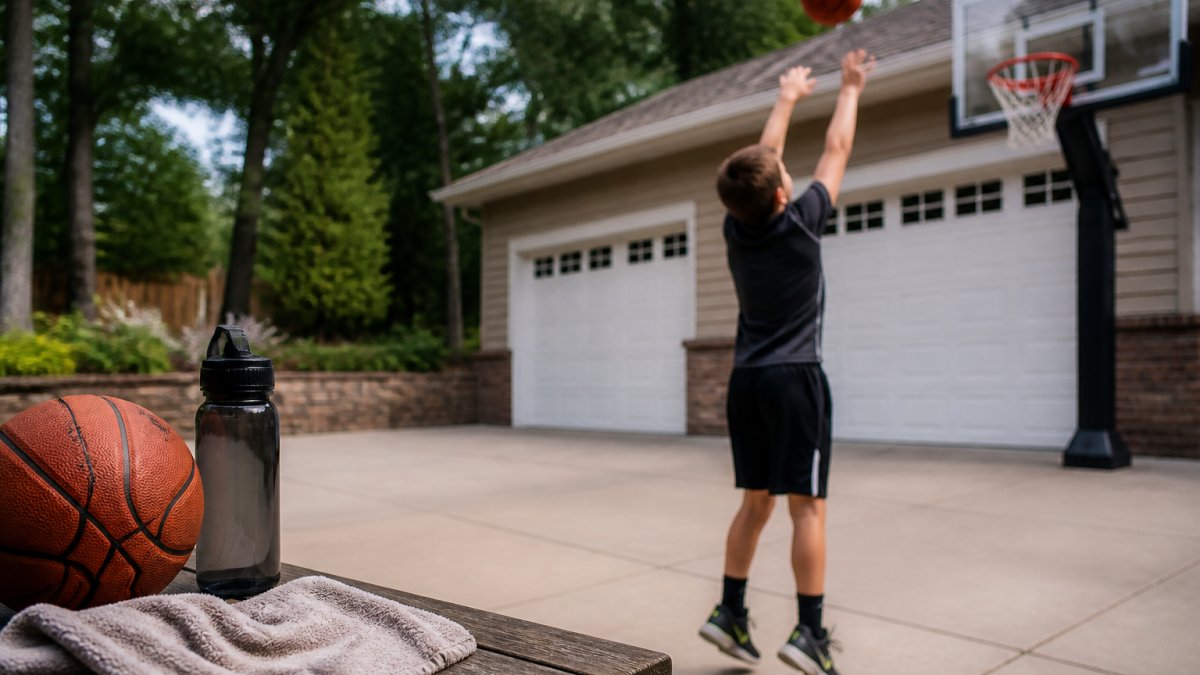
Blue5 Basketball incorporates gamification throughout the training experience. Players earn achievements for completing workouts, hitting performance milestones, and maintaining streaks.
Gamification and Motivation
Gamification taps into the same psychology that makes video games engaging. Progress bars, level-ups, and visible streaks reinforce the behavior, a player who completes 10 workouts in a row is more likely to protect that streak than one with no visible progress marker.
The key is making gamification genuine, not a gimmick. Achievements must represent real progress: a badge for improving shooting percentage by 5% means something; a badge for opening the app means nothing.
Age-Appropriate Skill Levels
Kids have different abilities at different ages, an 11-year-old learning the game needs different drills than a 17-year-old preparing for varsity. The best apps adjust difficulty and skill levels by age and experience.
Kids lose interest when drills are too easy or too hard: too simple feels pointless, too difficult creates frustration. The sweet spot is slightly challenging but achievable with focus and effort.
The best apps scale progressively, drills get harder as you improve, and consistency unlocks new challenges, keeping players engaged without overwhelming them.
Basketball App to Track Stats: Game Performance vs. Skill Growth
Game statistics show how your fundamentals perform under pressure against real competition; practice stats show whether you’re executing correctly under controlled conditions.
The gap between practice and game performance reveals where you need work. If shooting percentage drops 20 points in games, practice shooting under pressure. If assists hold but turnovers spike, work on decision-making under pressure.
Understanding Shot Tracking and Shooting Accuracy
Shot tracking records where you shoot from, the shot type, and whether it went in, creating a shooting map of strengths and weaknesses.
Shooting accuracy is the percentage of shots that go in. A 45% game shooting percentage is solid for most positions; 50% is very good. Tracking it over a season shows whether you’re improving, declining, or staying consistent.
The most useful approach combines both: overall shooting percentage plus exactly where on the court you’re most effective, so you can build a training plan around actual weaknesses.
Rebounds, Assists, and Team Statistics
Rebounds measure how many missed shots you capture, most important for big men but also for guards who crash the boards. Tracking them over a season shows whether you’re becoming more aggressive on the glass.
Assists measure how often you directly create scoring opportunities for teammates, most important for point guards but also for any good passer.
Team statistics aggregate individual stats to show how the team performs as a unit, whether it’s improving over the season, which positions are strongest, and where it needs development.
Don’t get lost in statistics. A player can look good on the stat sheet while playing poorly on the court. A player can look mediocre on stats while making huge plays that don’t show up in traditional numbers. Use stats as one tool, not the only tool.
Basketball Practice Tracker: Measuring Long-Term Development
A basketball practice tracker measures improvement over weeks and months, not individual sessions. Skill development happens slowly, you may not notice gains workout to workout, but comparing this month to three months ago reveals substantial progress.
The most effective trackers show trends, not just data points. A dashboard showing shooting percentage over 12 weeks tells you whether you’re improving; one showing only today’s percentage tells you almost nothing.
Session History and Performance Dashboards
Session history records every workout, creating a training log of what you worked on and how you performed. This lets you spot patterns, maybe you always perform worse on Mondays, or your shooting percentage improves after footwork drills.
Performance dashboards visualize this history. A 12-week shooting percentage graph is more useful than a list of sessions, and comparing this week to last month is more motivating than isolated numbers.
The best dashboards let you compare time periods, January versus February, or your stats since you started using the app, showing real progress and motivating continued training.
Data Ownership and Privacy for Young Players
When tracking a young player’s data, privacy matters.
Data ownership matters too: if you stop using the app, can you export your training history or move it to another app, or is it locked into that platform?
For young players, you need to know whether the app shares data with third parties, uses it for advertising, and what happens if the company is acquired. A reputable app is transparent about all of this.
Parents of young players aged 11-16 who want structured skill development with progress visibility and transparent data practices. Blue5 Basketball lets you track your child’s improvement.
Choosing the Right App for Your Player and Budget
The right basketball app depends on your player’s age, skill level, training environment, and what you’re measuring. A beginner needs different features than a competitive player, and a full-court player needs different features than one training in a driveway.
Beginner vs. Competitive Players
Beginners need apps that teach fundamentals and build confidence, focusing on correct technique and consistency rather than advanced metrics. Gamification and social features matter more because beginners need motivation to stick with training.
Competitive players need apps that measure specific performance metrics and identify areas for improvement, detailed shot tracking, advanced statistics, and data visualization. They care less about gamification and more about actionable insights.
Blue5 Basketball serves both: structured fundamentals training with built-in gamification for beginners, and detailed metrics with progress tracking over time for competitive players.
Space and Equipment Requirements
Some apps require a full court. Others work in driveways or gyms. Some need special equipment. Others just need a basketball and your phone.
With a full court or gym access you have more options. In a driveway, you need an app designed for smaller spaces. If you travel or train in varied locations, you need one that works anywhere.
The best apps work in multiple environments, don’t require expensive equipment or perfect lighting, and adapt to your actual training situation.
Free Trials and Flexible Pricing
Most basketball apps offer free trials, use them.
Pricing varies widely. Some apps are free with optional premium features. Others charge monthly or yearly subscriptions. Some require equipment purchases.
Blue5 Basketball offers a free 7-day trial. This gives you time to experience the training design, test the progress tracking, and see whether your player stays engaged before committing financially.
| Consideration | What to Evaluate | Why It Matters |
|---|---|---|
| Training Environment | Does it work in your available space? | An app designed for full courts won’t help if you only have a driveway |
| Skill Level | Does it match your player’s current ability? | Too easy = boredom; too hard = frustration |
| Progress Metrics | Does it track what matters for your goals? | Generic stats don’t help if you need specific skill development |
| Gamification | Does it motivate your player personally? | Engagement varies by personality; test during trial |
| Data Privacy | Is your player’s data secure and private? | Young players need protection; transparency matters |
| Cost | Does the pricing fit your budget? | Free trials let you test before committing |
Choosing a basketball app with progress tracking comes down to matching features to your player’s actual needs.
Blue5 Basketball combines professional-level training design with intuitive progress tracking. The gamified experience keeps young players engaged while detailed metrics show real improvement over time.
Frequently Asked Questions
What is the best basketball app with progress tracking?
The best basketball app with progress tracking depends on your player’s age, skill level, and goals. Look for apps that offer workout history and clear performance dashboards. Apps designed by professional coaches provide structured training plans aligned with skill development. Free trials help you test whether the interface matches your player’s learning style and your family’s schedule before committing.
How can a basketball app track improvement over time?
Effective basketball practice trackers monitor shooting accuracy, dribbling drills completed, workout frequency, and skill-specific metrics like shot attempts and percentages. The app builds a training history showing progress across weeks and months. Performance dashboards display trends, helping players and parents see whether consistency is translating into measurable gains in shooting, ball handling, and overall player performance.
Can my child do basketball workouts at home using these apps?
Yes. Many basketball workout apps for kids are designed for flexible training anywhere, including driveways, gyms, and open spaces. Most require minimal equipment, typically a basketball and hoop. Apps with structured daily plans guide players through dribbling drills, shooting practice, and ball-handling exercises that don’t demand a full court. This makes them ideal for families with limited space or busy schedules.
What’s the difference between a basketball training app and a stat-tracking app?
Basketball training apps focus on skill development through structured workouts, drills, and practice sessions with progress tracking built in. Stat-tracking apps primarily record game statistics like points, rebounds, assists, and steals during actual games. Training apps build fundamentals; stat apps measure performance in competition. Many families use both to track practice improvement and game results separately.